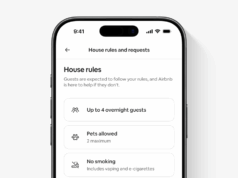





























The iPhone Duo interface is the part of Apple’s first foldable that owners will touch every day. Apple has also rebuilt more of it than the hardware reveal suggested. According to Apple’s announcement, iOS 27 moves the Dock and app controls to the side and adds Split View. It also turns the outer display into a camera tool. As Engadget’s report notes, the result looks a lot like an iPad, with a few tricks only a folding phone can pull off.
We covered the hardware and the $1,999 price in our iPhone Duo launch story. This piece focuses on what changes on screen.
Controls move to the side
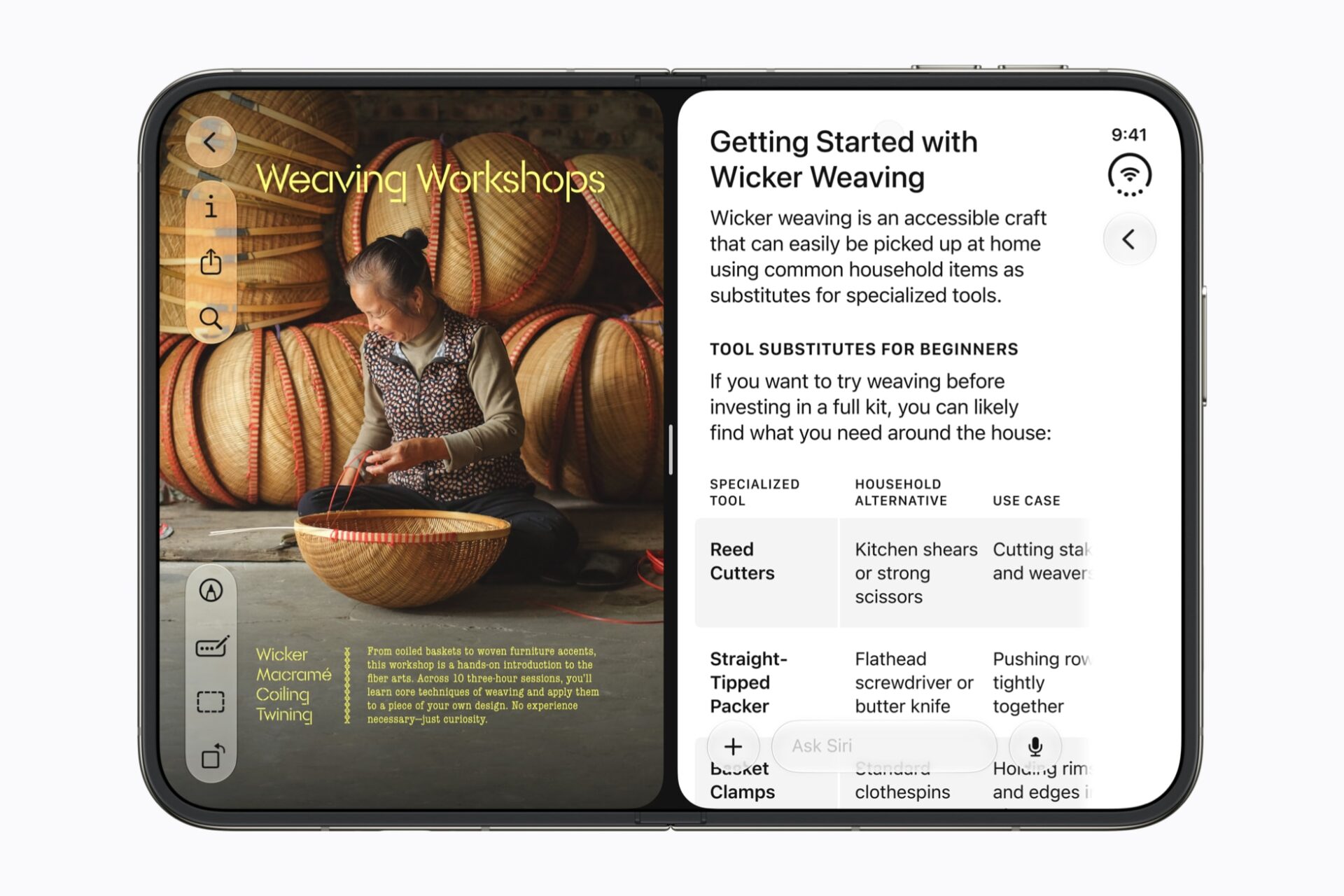
The biggest layout change is where things live. Lock Screen controls, the Home Screen Dock and app navigation now sit on the side. That leaves more vertical space for content. Open the phone and you get two Home Screen pages. Today View, a vertically scrolling widget list, sits on the left. Meanwhile, the status bar becomes a circular cluster tucked into a corner. The Dynamic Island also turns vertical along the side of both displays.
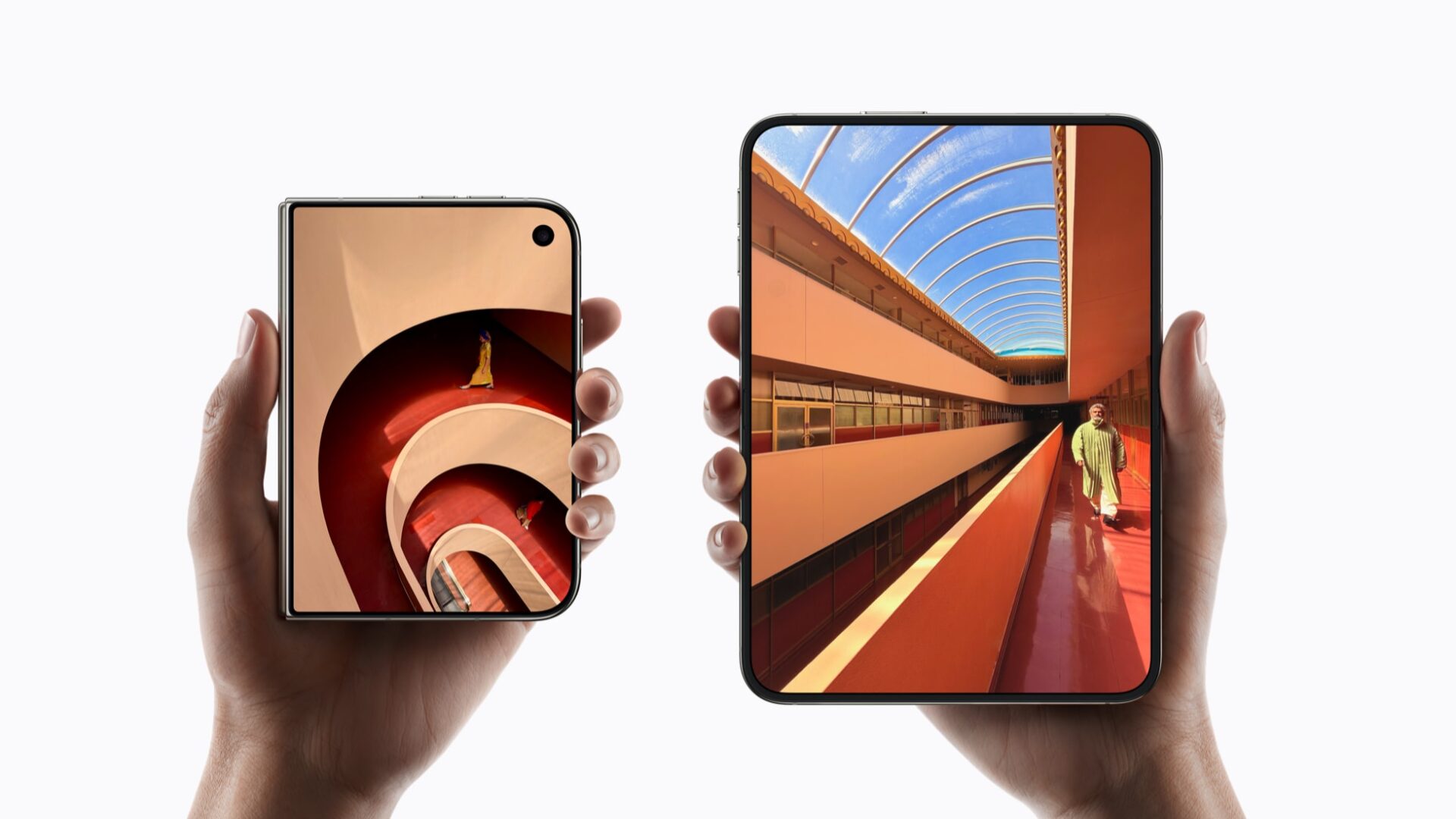
Apple says content reacts as the phone folds and reorients when turned sideways. Flip the phone over, and the content jumps to the correct display. Because both screens share one aspect ratio, apps scale rather than reflow. In practice, that detail should keep the Duo feeling like an iPhone instead of a small tablet.
Split View puts two apps on an iPhone for the first time
Apple’s release puts it plainly: “Split View allows users to open two apps side by side on iPhone for the first time.” Users can also swap apps quickly and open two windows of the same app, such as Safari. They can save app pairs to return to later. Additionally, the Siri app can sit on one half while the user reads on the other. Engadget adds that users can resize apps on the fly and drag photos between them. However, Apple’s release does not spell out either detail.
Third-party apps are already adapting
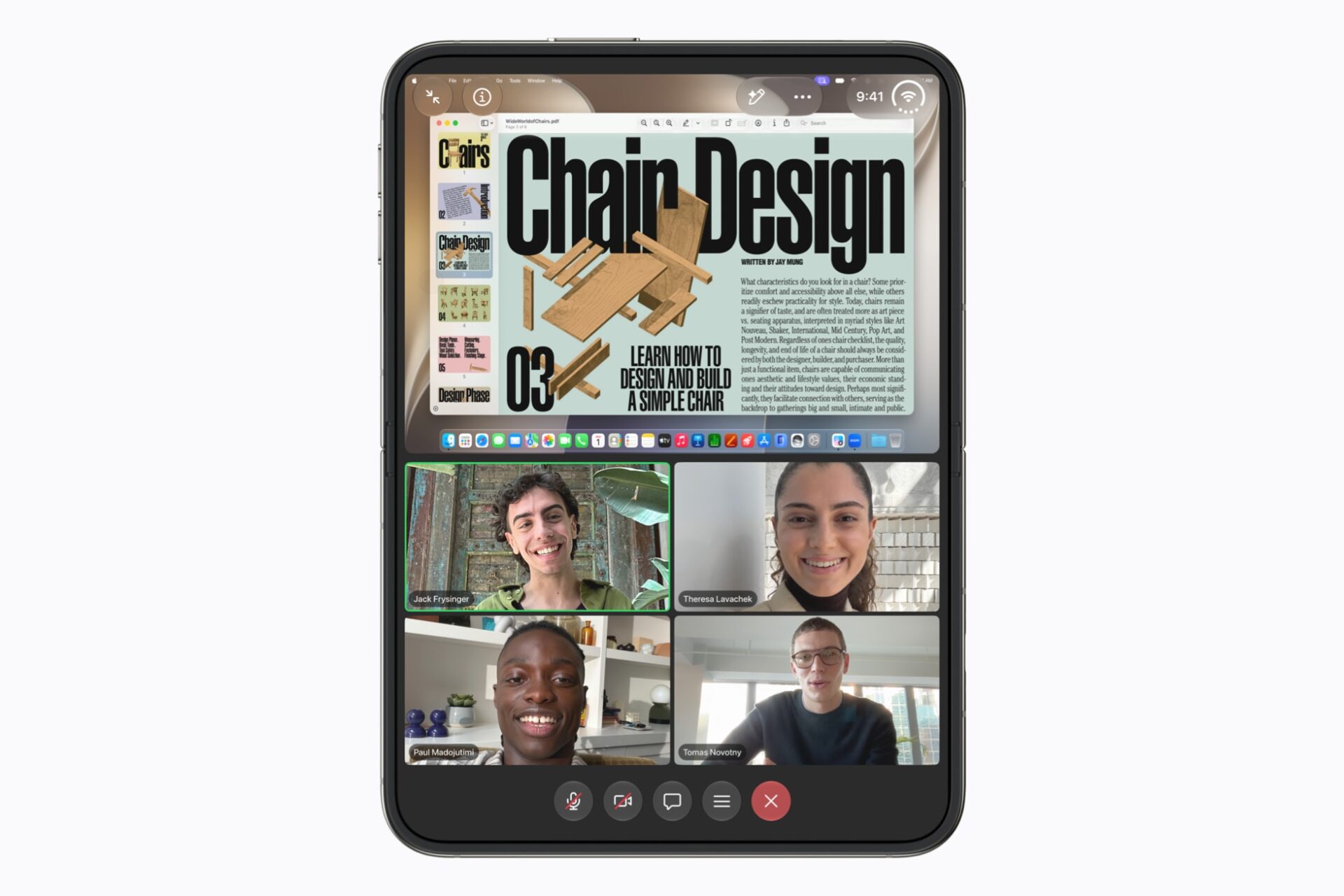
Apple has tuned its own apps for the Duo. For everyone else, the company points to new and updated APIs in the latest SDKs. Upcoming iPhone Duo support in Device Hub in Xcode follows. Apple names Netflix, Zoom and Slack as early adopters. Zoom uses the inner display to show shared content above the participant grid. Slack brings a whole workspace into view, and Netflix lets users scroll Clips on the outer screen before opening up.
Still, three named apps is a short list. Samsung’s Galaxy Z Fold8 and Google’s Pixel 11 Pro Fold have spent years coaxing developers into large-screen layouts. Consequently, Apple faces the same slow climb, even with its larger developer base.
The outer screen becomes a camera trick
The dual displays enable camera features no other iPhone offers. Duo Preview shows a live preview on the outer display, so the subject can check framing and pose. Kid Cue plays Peanuts animations on that same screen to make children look at the lens. Meanwhile, Smart Take uses on-device AI on the A20 Pro to fire the shutter when subjects strike a pose. Users can also shoot selfies with the higher-resolution rear cameras and preview them on the outer display.
FaceTime gets two tricks of its own. Dual Capture shares the front and rear camera feeds at once. Duo FaceTime lets someone nearby join the call from the outer display and camera. In other words, the closed half of the phone becomes a second seat on the call.
StandBy, Apple Pencil and the open questions
StandBy now starts on either display whenever you put the phone down, even without a charger. It gains Calendar and Weather faces too. Apple Pencil with USB-C support arrives later this year for notes and markup on either screen. The Duo ships with iOS 27.1, and pre-orders open October 16.
What Apple did not show matters too. There was no mention of a floating keyboard or of Stage Manager-style windowing. Apple also said nothing about how older apps behave on the wider canvas. Nobody outside Apple has used the software yet either. Therefore, “iPad-like” is a first impression from a keynote rather than a verdict. Ultimately, we will judge the iPhone Duo interface properly when review units arrive in October.